Interface.py
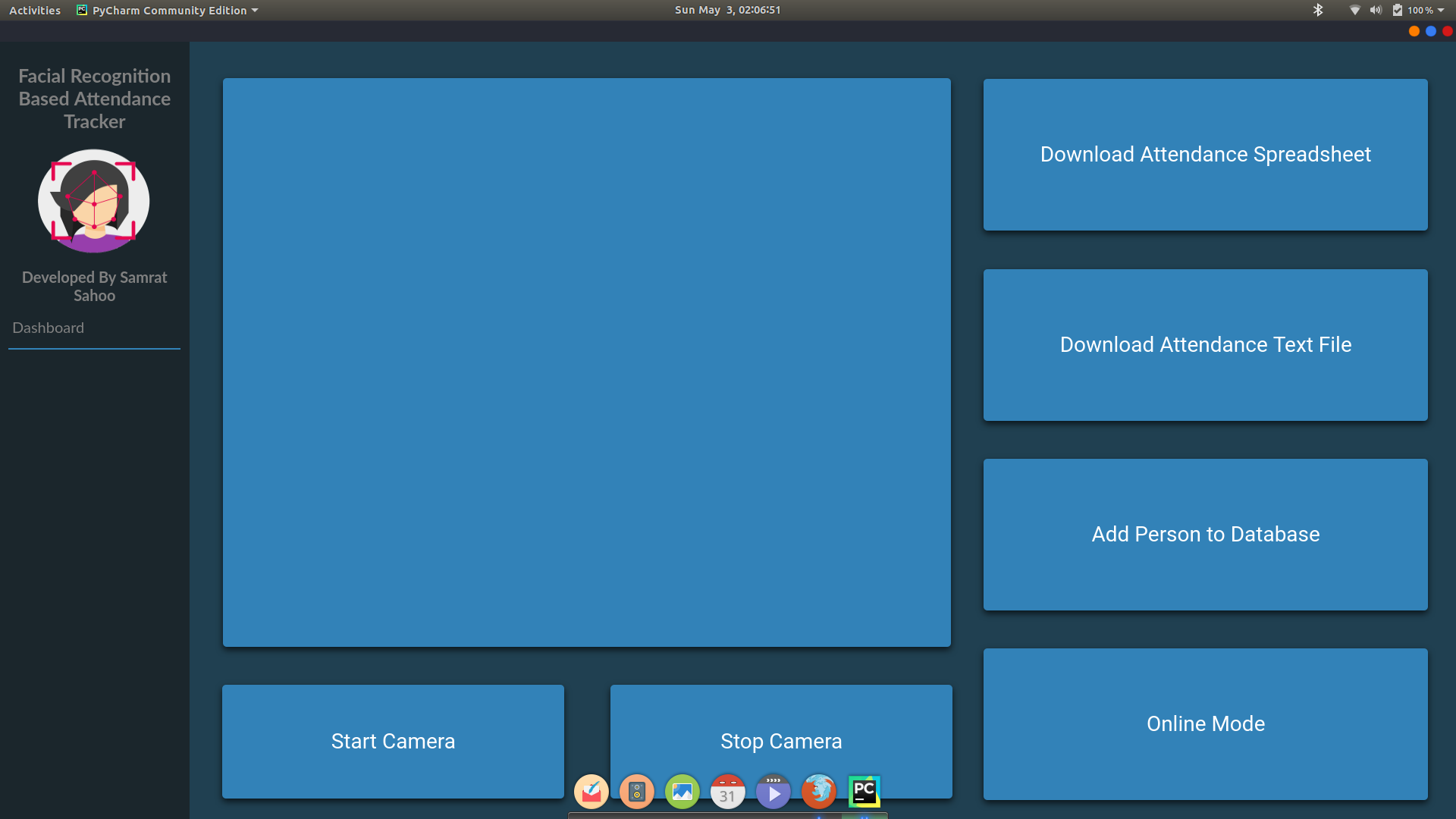
The Interface.py file controls the complete backend for this project. This includes all of the interface button bindings.
Imports
import sys
from flask import render_template, Flask, Response
from webui import WebUI
from Camera import VideoCamera
import os
from shutil import copyfile
from DynamicAddition import dynamicAdd
from Excel import markAbsentUnmarkedExcel
sys: Necessary to access the operating systemflask: Necessary to access Python Backend to Web Application Front Endwebui: Necessary to turn the flask web app to a desktop interfaceCamera: Necessary to access Camera Object and functionsos: Necessary to access file systemsshutil: Necessary to be able to copy filesDynamicAddition: Necessary to access DynamicAddition methodsExcel: Necessary to access Microsoft Excel methods
Variables
The app variable declares that the HTML, CSS, and JS is to be used for a flask web application. The ui variable converts the app to a desktop app.
app = Flask(__name__)
ui = WebUI(app, debug=True)
These global variables are used to control states of different features or store certain values. .. code-block:: python
global cameraState, addState, frames, framesRaw, onlineState cameraState = False addState = False onlineState = False framesRaw = [] frames = []
Page Access Methods
These methods are all used to access different pages or tabs within the Interface.
@app.route('/')
@app.route('/index')
def indexPage():
    return render_template('index.html')


@app.route('/configure')
def configurePage():
    return render_template('configurations.html')


@app.route('/attendance')
def attendancePage():
    return render_template('attendance.html')


@app.route('/settings')
def settingsPage():
    return render_template('settings.html')


@app.route('/contact')
def contactPage():
    return render_template('contact.html')


@app.route('/help')
def helpPage():
    return render_template('help.html')
Methods
The downloadText() method and downloadExcel() method, are both there to make a copy of the text file or Excel file into the user’s downloads directory.
@app.route('/download-text')
def downloadText():
    try:
        finalPath = os.path.join(os.path.expanduser("~"), "Downloads/AttendanceSheet.txt")
        copyfile('AttendanceSheet.txt', finalPath)
    except Exception as e:
        print(e)
    return render_template('index.html')


@app.route('/download-excel')
def downloadExcel():
    try:
        finalPath = os.path.join(os.path.expanduser("~"), "Downloads/AttendanceExcel.xls")
        copyfile('AttendanceExcel.xls', finalPath)
    except Exception as e:
        print(e)

    return render_template('index.html')
The startCamera() and stopCamera() methods are used to toggle the camera on and off based on the button pressed. If the Start Camera button is pressed, startCamera() is called and cameraState will be True
but if the Stop Camera button is pressed, stopCamera() is called and cameraState will be False and the camera will turn off.
@app.route('/start-camera')
def startCamera():
    global cameraState
    cameraState = True
    return render_template('index.html')


@app.route('/stop-camera')
def stopCamera():
    global cameraState
    cameraState = False
    markAbsentUnmarkedExcel()
    return render_template('index.html')
The gen() method is the core method for Interface.py. It first calls the values global variables.
def gen(camera):
    global addState, cameraState, frames, framesRaw, onlineState
If the application is not set to dynamically add a face, it will get a raw frame and converted frames using the object methods in Camera.py. It will append
raw frames to the framesRaw array and output the converted frames onto the Interface.
while cameraState or addState:
    if not addState:
        global frames, framesRaw
        frame = camera.getFrame()
        frames.append(frame)
        framesRaw.append(camera.getRawFrame())
        yield (b'--frame\r\n'
               b'Content-Type: image/jpeg\r\n\r\n' + frame + b'\r\n\r\n')
If it is in the state to dynamically add a face, it will get the last frame that was displayed before the dynamic add button was pressed and freeze it on that frame. It will then process that frame through the dynamic add method. After it finishes, it will return back to camera mode and exit dynamic add mode.
if addState:
    frameToSave = len(frames) - 1
    yield (b'--frame\r\n'
           b'Content-Type: image/jpeg\r\n\r\n' + frames[frameToSave] + b'\r\n\r\n')
    try:
        dynamicAdd((framesRaw[frameToSave]))
        camera.additionProcess()
        cameraState = True
        addState = False
    except Exception as e:
        exceptionType, exceptionObject, exceptionThrowback = sys.exc_info()
        fileName = os.path.split(exceptionThrowback.tb_frame.f_code.co_filename)[1]
        print(exceptionType, fileName, exceptionThrowback.tb_lineno)
        print(e)
    break
If the online mode button is pressed, the application will switch to the Google Sheets output
if onlineState:
    camera.goOnline()
    onlineState = False
Finally every time the camera mode and dynamic add mode is exited, it will mark everyone who was not present as absent.
markAbsentUnmarkedExcel()
The addFace() method and onlineMode() method are both used to toggle booleans that control the modes the application is in.
@app.route('/add-face')
def addFace():
    global addState
    addState = True
    return render_template('index.html')


@app.route('/online-mode')
def onlineMode():
    global onlineState
    onlineState = True
    return render_template('index.html')
The video_feed() method simply places the video feed into the web based dashboard.
@app.route('/video_feed')
def video_feed():
    return Response(gen(VideoCamera(source=-1)),
                    mimetype='multipart/x-mixed-replace; boundary=frame')
Main Method
The main method in Interface.py launches the Dashboard through using the run() method on the ui object.
if __name__ == '__main__':
    try:
        ui.run()
    except Exception as e:
        print(e)